The easiest way to create content
humans read and AI understands
WordPress VIP pairs intuitive visual editing with enterprise governance — and structures every
piece of content so it’s ready for AI, APIs, and everywhere you publish.
Trusted by over 700 enterprises
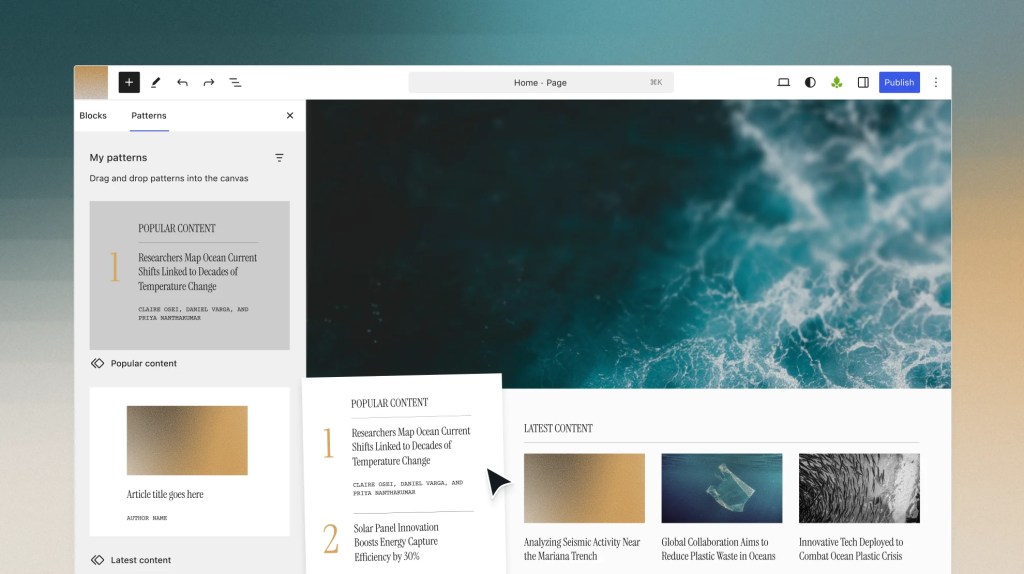
WordPress VIP puts content creation back in your team’s hands with the Gutenberg block editor, collaborative editing, governance controls, AI-assisted authoring, and structured content — all without developer dependency. Built on open-source WordPress and operated by Automattic, VIP adds enterprise governance, compliance, and security to the CMS that 40% of the web already knows.
40
%
of the web runs on WordPress, the CMS that helped train AI to read
40
%
cost savings from
intuitive tools
(Forrester TEI Report)
415
%
ROI over three years
(Forrester TEI Report)
60K
+
ways to extend WordPress through secure plugins
Simplicity and speed of the web’s most popular editor
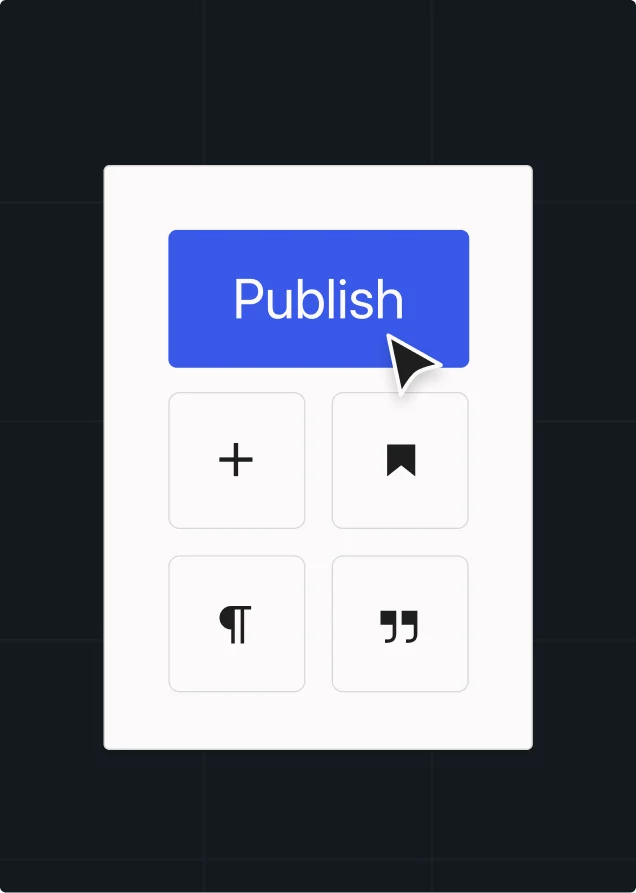
Drag a block. Drop a block. Publish.
Most CMS platforms need a training program. The modular WordPress block editor doesn’t. Your team is productive on day one, ready to publish at their own pace.
Assemble text, media, and
interactive content as blocks.
Build once and reuse everywhere
with blocks and patterns.
Extend the editor with plugins for custom
content types and editorial tooling.
Publish without writing code. WYSIWYG
authoring for anyone on your team.
Visualize, preview, publish. No developer required.
Full-site editing puts your marketers in control, shortening the production queue
by removing changes that never needed engineering in the first place.
Control sitewide layouts with full-site editing
See changes as you make them
Preview every page across desktop,
tablet, and mobile before publishing
Free marketing from the design
and development queue
Flexibility and control to adapt any workflow
Adapt the design. Reuse the system.
A new brand, region, or campaign shouldn’t mean a new theme build. Block-based themes give you a design foundation that bends to fit new palettes, layouts, and page types. Developers build the system once. Marketers adapt it for every site that needs it.
Sync custom colors, typography, and spacing from Figma to the editor through design tokens
Run classic themes and block themes side by side without a forced migration
Extend the design system with custom blocks in JavaScript and React, not PHP
Publish a pattern once and every site in your network inherits it

Edutopia reduced content layout time by 80%. That’s what happens when the components are already built and adapting them isn’t a rebuild.
The platform fits your workflow, not the other way around
Enterprise content workflows don’t exist in isolation; they connect to your tools and approval process. Plugins extend what the editor does, and integrations connect to the rest of your stack.
Over 60,000 plugins, every major API, no proprietary connectors.
Route editorial approvals through custom workflows built around your process
Integrate DAM and CMP platforms directly for a clean content and asset flow
Optimize for SEO and engagement
inside the creation workflow
Source media from external providers
without leaving the editor
Add translation and localization to the
editor via plugins and partners
Your content updates when your data does
Live components give people a reason to visit your site and stay: A product listing that reflects
today’s price. Stock prices updating live inside a market-analysis piece. A road-trip guide with
live gas station prices. These are pages AI can’t replace with a text answer.
Keeping content like this accurate usually means manual updates, or a custom integration that has to be maintained indefinitely. Remote data blocks make both unnecessary.
- Pull live data from Google Sheets, Airtable, Shopify, or any custom API into any block
- Let editors drop live data into the editor themselves without a dev ticket
- Update content automatically when the source data changes
- Build custom data sources for internal systems without rebuilding integrations
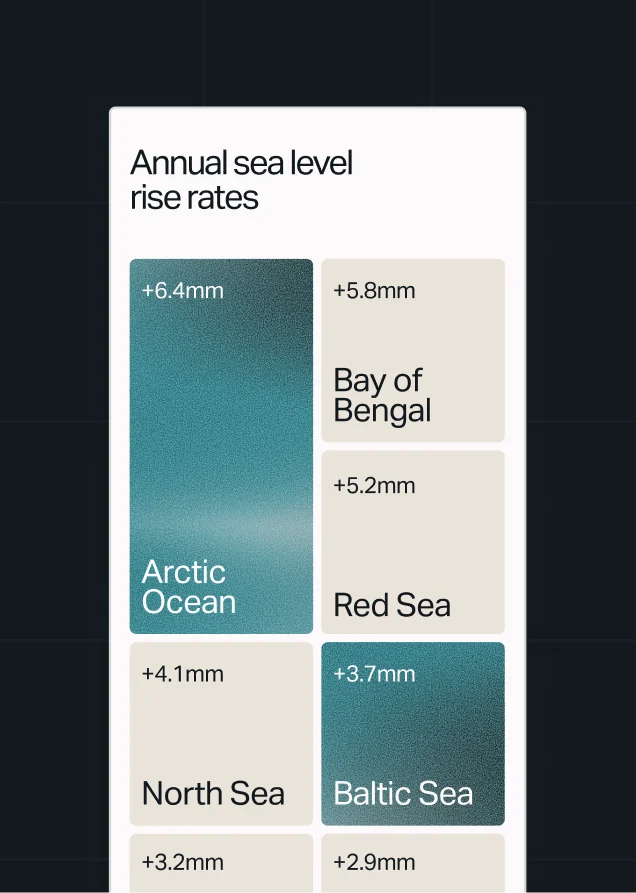
Enterprise and agentic-ready governance
Discoverability and content tools
The content AI already learned to read
Search traffic is moving to generated answers. The new question for enterprise brands: Will those answers cite you?
WordPress runs 40% of the web. The models behind those answers trained on that web — and on WordPress more than any other CMS. Content built on VIP starts in the shape AI has already learned to read.
- Output semantic HTML, schema.org markup, and JSON-LD automatically from every block
- Generate and revise text with content intelligence inside the editor
- Deploy agents that build editorial workflows and spin-off sites
- Optimize with real performance data from Parse.ly, not generic suggestions
- Govern AI with the same role-based and block-level controls as your team
Jetpack AI Assistant
Getting to a draft is easy. Getting to publish-ready is another story.
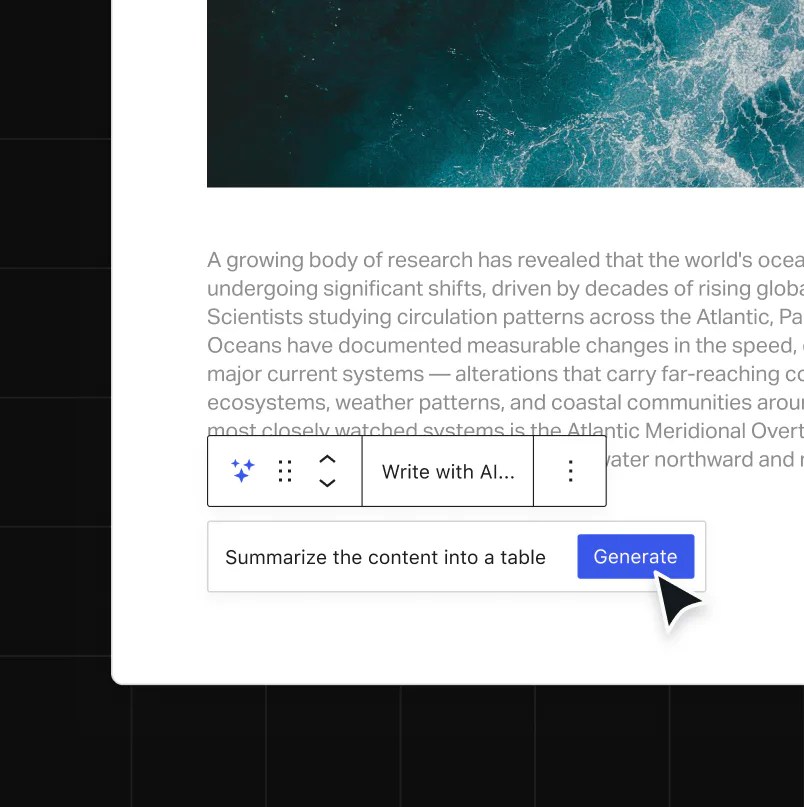
Jetpack AI Assistant covers everything between the prompt and the publish button inside the block editor, under the same role-based permissions that govern your team.
- Generate a post from a prompt, with the lists, tables, and forms built in
- Create an image from content or a custom prompt, and sharpen the title in a click
- Fill in alt text, captions, and excerpts automatically for SEO and accessibility
- Catch long sentences, spelling, and grammar before an editor sees the draft
- Translate for every market you publish in

Enterprise AI
Discoverability Series
Learn how AI finds, evaluates, and recommends your brand in this practical three-part webinar series from WordPress VIP and 97th Floor.
GraphQL and REST APIs
Publish once, deliver
everywhere your audience is
WordPress VIP delivers your content to websites, mobile apps, digital signage, or wherever it needs to go. No parsing layers. No custom builds.
- Connect to any frontend, app, or system through GraphQL and REST APIs
- Power Node.js, mobile apps, and third-party systems with structured JSON
- Deploy headless, hybrid, or traditional — whatever fits your architecture
- Build with JavaScript and React instead of a PHP-only stack
What high-output teams achieved
with WordPress VIP

News UK
Accelerated content production by 60% after adopting the new block editor.
60%
faster content
production


The Times
Boosted efficiency by 34% and cut training from 2 days down to 30 minutes.
34%
more workflow
efficiency


Edutopia
Built on a flexible architecture to support a unique digital experience through WordPress VIP.

“Our shift to VIP has helped editors produce content faster, reduced development costs, allowed us to re-allocate money to hiring more editors, and opened up new opportunities to improve our experience.”
Stephen Merrill
Chief Content and Product Officer, Edutopia

Ford Foundation
Improved publishing workflows and built more collaborative, creative processes to support their communications and improve accessibility.
95%
faster training time,
for 9X more content creators


SneakerNews
Improved site load times from 5.0s to 1.2s on WordPress VIP, including 20% more page views.

“Since moving to WordPress VIP, we have observed an increase in monthly visits along with lightning-fast load times and near-zero downtime.”
Yu Ming-Wu
Founder and Editor-in-Chief, Sneaker News
Frequently asked questions
What content creation capabilities does WordPress VIP offer that standard WordPress doesn’t?
Standard WordPress gives you the block editor and basic publishing. WordPress VIP adds the enterprise layer: block governance controls, role-based access permissions, Figma-integrated design governance, real-time collaborative editing at scale, Parse.ly Content Intelligence built directly into the editor, AI content creation tools, remote data blocks for live data integration, and managed hosting with a 99.99% uptime SLA. Your content team gets the same intuitive editor they would use anywhere on WordPress. Governance, compliance, and performance infrastructure is what VIP adds on top.
How does WordPress VIP handle content operations across multiple brands, languages, and regions?
WordPress VIP supports multisite publishing architectures so you can manage multiple brands, regions, and language variants from a single platform. And brand consistency isn’t a challenge across globally distributed teams, because block-based themes and governed content structures keep each property consistent without separate governance processes for each site. Capgemini runs 38 sites across 10 languages on WordPress VIP, with 13 times more content creators than they had before migration. Governance applies consistently across all of them.
What integrations does WordPress VIP support for DAM, CMP, and third-party marketing tools?
The WordPress plugin ecosystem has over 60,000 options covering digital asset management, content marketing platforms, SEO tools, editorial approval workflows, stock media providers, and more. Connect your existing stack without proprietary connectors or custom builds. The Integrations Center in the VIP Dashboard goes a step further with a curated set of vetted tools including Enterprise Search, New Relic, Parse.ly, and remote data blocks for pulling live data from sources like Google Sheets, Airtable, or Shopify into the editor. Integrations are ready to deploy across your applications and environments for faster time to value.
How does collaborative editing work on WordPress VIP?
Collaborative editing on WordPress VIP lets multiple team members create, edit, and review the same content simultaneously without overwriting each other’s work. Changes sync live across all editors in the session. Inline comments keep feedback in context rather than in a separate thread. Every version is tracked and restorable. Collaborative editing is available on all WordPress VIP plans.
How do WordPress VIP’s content creation capabilities compare to competitors?
Adobe Experience Manager and Sitecore are built for enterprise scale, but their cumbersome content tools require dedicated training programs and implementation teams. WordPress VIP gives you enterprise-grade governance with an editor your entire marketing team can use on day one. Compared to Contentful and headless-first CMS platforms, VIP gives your development team the same architectural flexibility, while giving your editorial team a publishing environment that doesn’t require developer support for routine content operations. You don’t trade one bottleneck for another. Al Jazeera’s journalists learned the platform in under two hours. The Times cut training from two days to 30 minutes. That’s the operational difference.
What ROI and productivity gains have enterprise teams achieved with WordPress VIP’s content tools?
Forrester’s Total Economic Impact report found 415% ROI over three years, 40% cost savings from intuitive tools, and $3.48M total impact for an enterprise deployment. In practice: The Times improved time-to-publish by 34% and cut clicks to publish by 62%. News UK accelerated content production by 60%. Edutopia cut content layout time by 80%. SneakerNews improved editorial productivity by 65%. Capgemini scaled to 13X more content creators across 38 sites. The Ford Foundation grew their content creator team by 9X.
Can WordPress VIP content be delivered headlessly to other channels?
Yes. WordPress VIP supports headless, hybrid, and traditional deployments. Your content is accessible via both GraphQL and REST APIs, returning structured JSON for use across any downstream channel like mobile apps, Node.js front ends, digital signage, or any system that needs structured content. Block themes reduce dependence on PHP in favor of JavaScript and React, so more of your development team can contribute without platform-specific expertise. Switch deployment models as your architecture evolves. The platform supports flexible and hybrid approaches.
Skip the generic demo and see your content workflow on VIP
A walkthrough built around your team, your editorial operations, and how you publish today.