
Trusted by over 700 enterprises
Headless WordPress is a decoupled content architecture: WordPress VIP stores and manages the content, and a separate front end you build and control retrieves it through an API, not a theme. Editors keep the block editor, their roles, and workflows; developers choose their own framework. It suits organizations publishing to a website, a mobile app, and other channels from one content source.
40
%
of the web runs on WordPress
2.4
trillion requests a year
28
global data centers
30 days
total return on investment
(Forrester TEI report)
How it works
One content hub for any front end
Your content has to reach a mobile app, partner feed, digital screens, and wherever tech goes next.
A theme handles one of them. Decoupled builds have to assemble the rest. With WordPress VIP,
everything you need ships with the platform.
Pick an architecture. Change your mind later.
Most platforms support one model well. WordPress VIP runs all three against the same content, in the same dashboard, on the same contract.
Run a classic WordPress theme without
standing up a front-end team
Build a decoupled front end in React, Next.js,
or Vue against that same content
Mix both: themes for the marketing site,
APIs for the mobile app
Move between them without replatforming,
because the content never moved
Query exactly the content your app needs
Both APIs are built in. Nothing to build in the middle or a parsing layer to maintain.
Retrieve content through the REST API with access control and custom post types enforced
Request the fields one view needs in a single GraphQL query, not four round trips
Start from the Next.js quick start, with content preview and querying already solved
Blocks arrive as JSON, not HTML you have to unpick
The Block Data API returns structured JSON for supported, server-registered blocks. Client-only, legacy, or unsupported blocks might need extra work.
Map blocks straight to your own React or Vue components, with no regex parsing in between
Keep block-based editing exactly as it is for the people writing the content
Drop the markup cleanup step most decoupled builds carry
One platform, one dashboard, one place to look when it breaks
Two runtimes usually means two vendors, support paths, and places to troubleshoot. Your Node.js application runs where the CMS runs.
Deploy your Node.js front end on the same platform and support contract as your CMS
Run Redis inside the private network instead of routing through a third-party VPN
Serve both runtimes through the same page caching, CDN, and containers

Your editors shouldn’t be able to tell you went headless
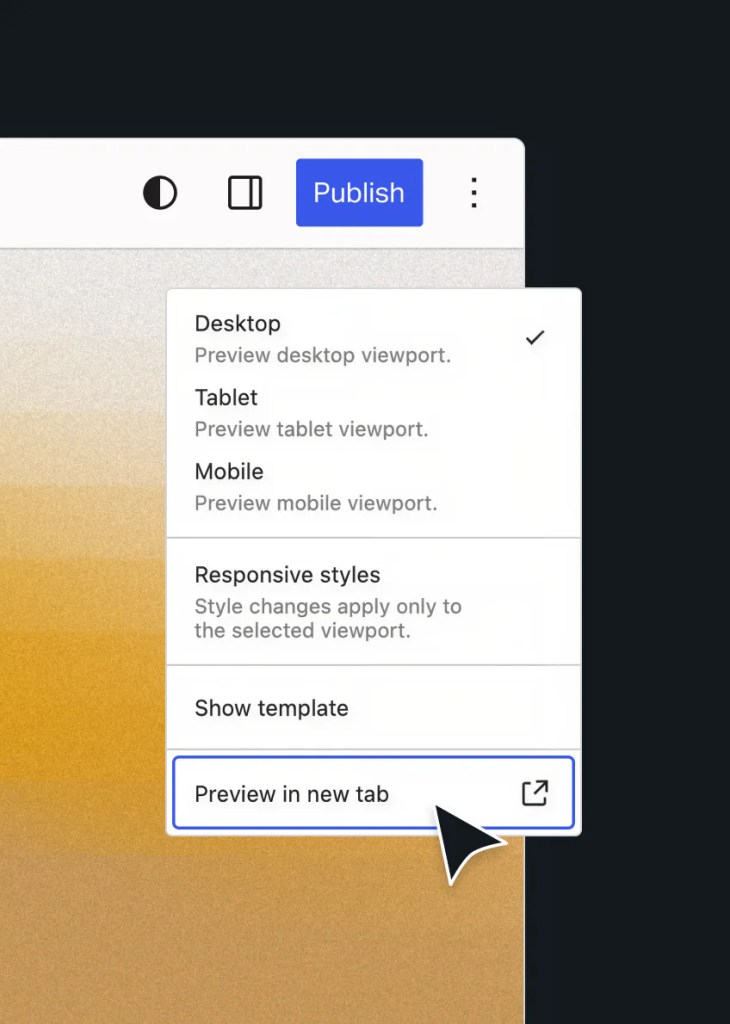
Preview is the first thing a decoupled build breaks and what editors notice first.
On WordPress VIP it survives the move.
Preview draft content against the decoupled front end before it publishes
Keep the block editor, revisions, and scheduling as they are
Publish routine content without a front-end deploy, once revalidation is set up
Pros and cons
Headless isn’t always the right answer
Most vendors sell decoupling as an upgrade. It’s not. It’s a trade-off.
What it buys you
- Write it once. The site, app, screens, and partner feed pull from the same source.
- The front end stops waiting on the CMS. Redesign without touching the content model.
- One front end, many sources. Pull content, commerce, and search into the same interface.
- Performance becomes a decision. Rendering, caching, and bundle size are yours to tune, not inherited from a theme.
- Content outlives the interface. The next redesign is a front-end project, not a migration.
What it costs
- SEO leaves the theme. Your front end owns it from launch day.
- Engineering time goes up. You build your own front-end experience and theme.
- Server-rendered plugins go quiet. Anything that renders output stops feeding your front end.
- Preview breaks. The most common reason a working launch gets called a failure.
- Every incident starts with a question. Which half broke?
Headless, hybrid, or single stack? Yes.
The question isn’t which is better. It’s whether the extra cost buys you something you need.
With WordPress VIP, it’s not a forever decision.
Headless
When a headless build makes sense
— One story has to reach a website, a mobile app, in-product content, and a display network
— Your front end needs a framework no WordPress theme can give you
— You already run a JavaScript front-end practice in production
Hybrid
When a hybrid approach works best
— Your marketing site changes daily and shouldn’t wait on a deploy
— A product surface or mobile app needs its own release cycle
— You want both without running two content systems

Single stack
When a single stack is enough
— The website is the only destination
— Editorial speed matters more than front-end flexibility
— Nobody is free to own a second runtime for the next few years
The Complete Guide to Headless CMS
Find out where headless helps and where it hurts. Written for
teams who have to justify the architecture to someone else.
Decoupled, and still shipping

Al Jazeera
Decoupled WordPress with GraphQL and React. Journalist training on the CMS dropped from weeks to under two hours.

“The choice of decoupled WordPress plus GraphQL and React will allow us to build something unique and amazing. Making the decision to move forward with decoupled WordPress VIP was really a very smart decision.”
David “Hos” Hostetter
Digital CTO, Al Jazeera Media Network

Edutopia
Content layout time dropped from 10 minutes to under two.
1,200
pieces published a year


SWI swissinfo.ch
Runs WordPress inside a microservices system on AWS, serving multilingual audiences.

“What’s special about SWI is that their WordPress is embedded in a system of microservices hosted on Amazon Web Services…making the project highly API-driven. Here, the WordPress REST API played a key part.”
Thomas Weichselbaumer
Full-stack Developer, Syde
Frequently asked questions
How long does it take to move an existing WordPress site to a headless front end?
It depends on how much of the site’s behavior lives in the theme. Content and APIs are ready on day one. The work is rebuilding templates, routing, metadata, and anything a plugin was rendering server-side. Most teams phase it, taking one template family at a time rather than switching the whole site at once.
Does going headless hurt our SEO?
It can, and the cause is always the same. Metadata, canonicals, redirects, structured data, and sitemaps stop being the theme’s job and become your front end’s. Plan them before launch, not after. The sites that lose traffic are the ones that treated SEO as a post-launch task.
Which WordPress plugins stop working in a headless setup?
Anything that produces output through a shortcode or a dynamic block render callback, because that code runs in the theme layer your front end no longer calls. Plugins that add data, fields, or editorial workflow keep working. Audit your plugin list against that split before committing.
Does headless cost more than a single-stack build on WordPress VIP?
Usually yes, in engineering time rather than platform cost. You’re building and maintaining a front end that a theme would otherwise hand you. What WordPress VIP removes is the second vendor: Node.js hosting, caching, networking, and support sit on the same platform and the same contract as your CMS.
What in-house skills does a headless build actually require?
A front-end engineering team that owns a JavaScript application in production: framework, build pipeline, routing, rendering strategy, and the SEO surface that used to live in the theme. If that team doesn’t exist, or is already committed elsewhere, a single-stack or hybrid build will ship faster.
Is headless WordPress FedRAMP authorized on WordPress VIP?
WordPress VIP has FedRAMP Moderate authorization. Whether a particular decoupled deployment falls within the applicable boundary depends on the architecture and offering.
Does Parse.ly still track content on a decoupled front end?
Yes, but setting up content intelligence with Parse.ly requires frontend implementation. In a decoupled setup, developers must add the tracker and render Parse.ly metadata.
Bring your front-end stack.
We’ll show you how it fits.
An engineer will walk through your architecture, your editorial workflow,
and whether decoupling is the right move.